


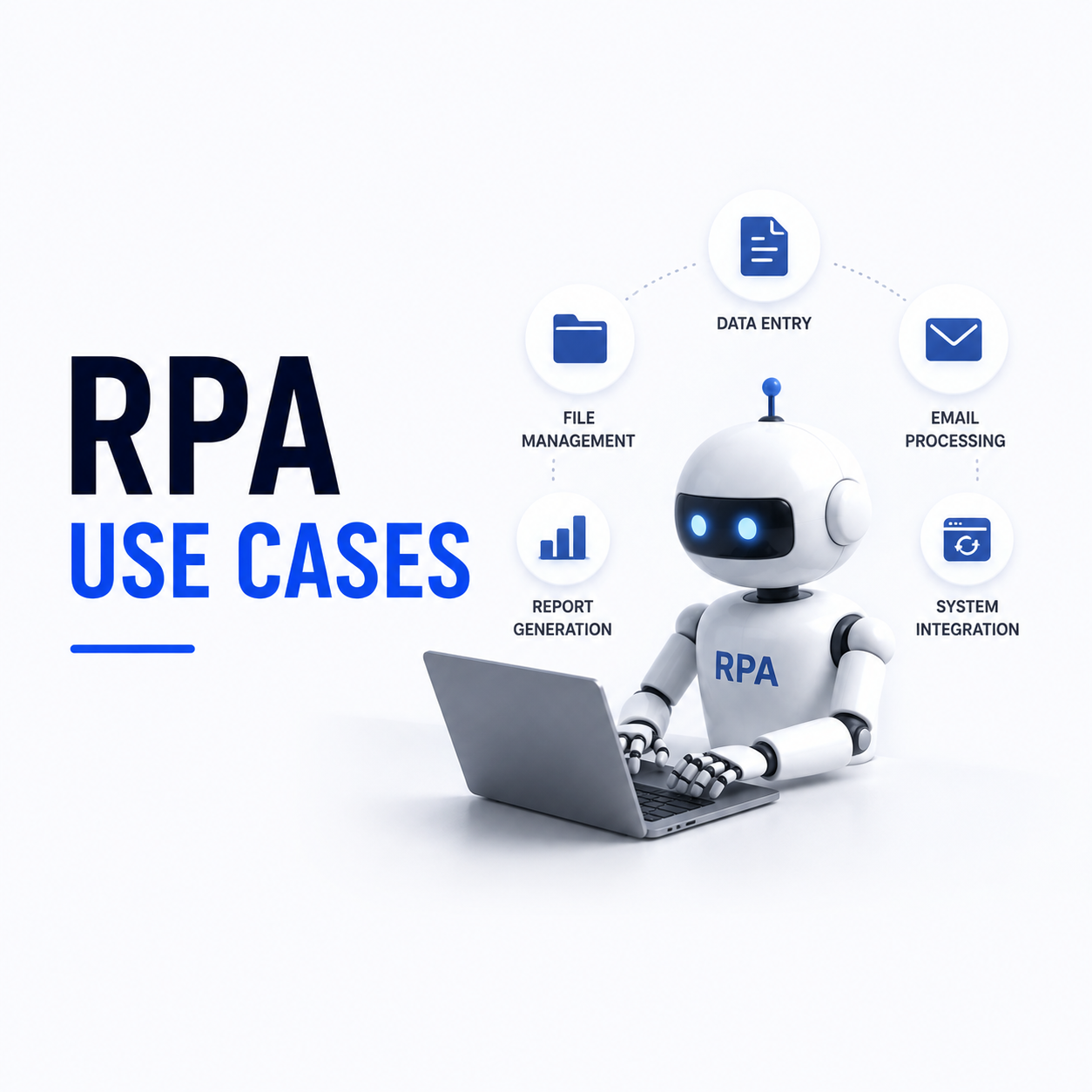
RPA Use Cases
Robotic process automation works by driving existing software interfaces the way a person would, which makes it useful precisely where proper integration is impossible. That is the honest framing of the category. RPA is a workaround for systems that cannot be integrated properly, and it is a good workaround when the alternative is manual work or a multi-year platform replacement. The use cases below are where it earns its place, along with the test for when something better is available.
The Test for Whether RPA Fits
Applying one test before selecting RPA prevents most disappointing deployments. If the systems involved have usable APIs, integrate them directly, because API integration is more reliable, faster, and does not break when an interface changes. RPA is for the situations where that option genuinely does not exist.
No Usable API Exists
Legacy systems, vendor software without integration points, and portals you do not control. This is RPA’s genuine territory rather than a fallback.
The Process Is Stable and Rule-Based
Steps that do not vary and require no judgement. Processes with frequent exceptions produce bots that fail constantly and consume more attention than the manual work did.
Volume Justifies the Build
Automating something done twice monthly rarely repays build and maintenance cost. High-frequency repetitive work is where the economics hold.
Prefer Integration Where Possible
Where APIs exist, our API integration services work produces something considerably more durable than interface automation.
Consider Fixing the Process First
Sometimes the process itself is the problem. Automating an unnecessary approval step preserves it permanently rather than removing it.
Finance and Accounting Use Cases
Finance is where RPA sees most deployment, because the work is high volume, rule-based, and frequently spread across systems that do not talk to each other. It is also where the audit trail RPA produces has genuine value, since every action is logged.
Invoice Processing and Entry
Extracting invoice data and entering it into accounting systems that lack import capability. Pairs well with document extraction for the reading step.
Reconciliation Across Systems
Comparing records between systems and flagging discrepancies. Tedious, rule-based, and error-prone when done manually at volume.
Payment Run Preparation
Assembling payment batches from approved invoices across systems, with human authorisation retained at the release point.
Reporting Assembly
Pulling figures from several systems into a standard report format. Common where the reporting layer cannot reach all the sources directly.
Period-End Task Sequences
Repetitive closing activities across systems. Our business process automation work maps these before automating them.
HR and Employee Lifecycle Use Cases
Employee onboarding and offboarding involve the same information being entered into many systems, most of which have no integration with each other. That makes it a natural RPA candidate, and offboarding in particular has a security dimension that manual processes handle unreliably.
Onboarding Across Systems
Creating accounts, records, and access across payroll, directory, and business systems from one submitted record.
Offboarding and Access Revocation
Removing access across systems on departure. Manual offboarding reliably misses systems, which is a security exposure rather than an inconvenience.
Leave and Timesheet Processing
Transferring approved entries between systems where no integration exists, on a schedule rather than as staff time.
Compliance Record Assembly
Gathering training records and certifications from multiple sources for audit. Periodic, tedious, and rule-based.
Data Consistency Between Platforms
Keeping employee records aligned across systems. Our erp-integration work handles this properly where the systems permit it.
Operations and Customer Service Use Cases
Operational RPA usually addresses the gaps between systems that a process crosses. The bot becomes the connective tissue nobody built, which is useful and also means the bot inherits every fragility of every interface it touches.
Order Entry Between Systems
Transferring orders from a portal or email into an operational system where no feed exists, particularly for customers who submit through their own portals.
Status Updates Across Platforms
Propagating status changes between systems that do not synchronise, keeping customer-facing information current without manual copying.
Data Extraction From Portals
Pulling reports or records from third-party portals on a schedule, where those portals offer no export or API.
Ticket Triage and Routing
Categorising and assigning inbound requests according to rules, before any judgement is required.
Bulk Record Updates
Applying changes across many records in systems lacking bulk edit capability. Our workflow automation work covers the process design around this.
Running RPA in Production
RPA carries maintenance characteristics that surprise teams new to it. Bots depend on interfaces they do not control, so a vendor’s interface update breaks them without warning. Treating bots as production software with ownership and monitoring is the difference between an automation programme and an accumulating liability.
Bots Break When Interfaces Change
Any vendor update to a screen layout can break a bot silently. Budget for ongoing maintenance rather than treating deployment as completion.
Monitoring and Failure Alerting
A bot failing silently means work stops without anyone knowing. Alert on failure and on unexpected completion patterns.
Credential Management
Bots need credentials, and hardcoded credentials in bot configuration is a common and serious security weakness. Use a managed secret store.
Exception Handling and Human Fallback
Define what happens when a bot cannot proceed. Queued items for human handling beat silent failure or repeated retries.
Governance of the Bot Estate
Undocumented bots proliferate and become unmaintainable. Keep an inventory with named owners, as our custom software development governance practice does for any production code.
FAQs
What is RPA best used for?
Stable, rule-based, high-volume tasks across systems with no usable APIs. Invoice processing, cross-system reconciliation, employee onboarding and offboarding, portal data extraction, and bulk record updates are the most consistently successful applications.
When should I use API integration instead of RPA?
Whenever usable APIs exist. Direct integration is faster, more reliable, and does not break when a vendor changes a screen layout. RPA is a workaround for systems that cannot be integrated properly, not a preferred approach.
Why do RPA projects fail?
Usually because the automated process has too many exceptions, so the bot fails constantly and consumes more attention than the manual work. The second cause is treating deployment as completion, when bots need ongoing maintenance as interfaces change.
How much maintenance does RPA need?
More than most teams expect. Bots depend on interfaces they do not control, so vendor updates break them without warning. Budget for continuous maintenance, monitoring with failure alerting, and named ownership of every bot in production.
Can RPA handle processes that need judgement?
Not reliably. RPA follows rules and does not exercise judgement. Where decisions are involved, either encode them as explicit rules, or route those cases to a human, or pair the bot with a model that classifies and escalates uncertainty.
Is RPA still relevant given AI automation?
Yes, for a narrower purpose. RPA drives interfaces where no integration exists, which remains a real problem. AI handles the reading and classification steps that RPA cannot, so the two are frequently combined rather than being alternatives.